On this page
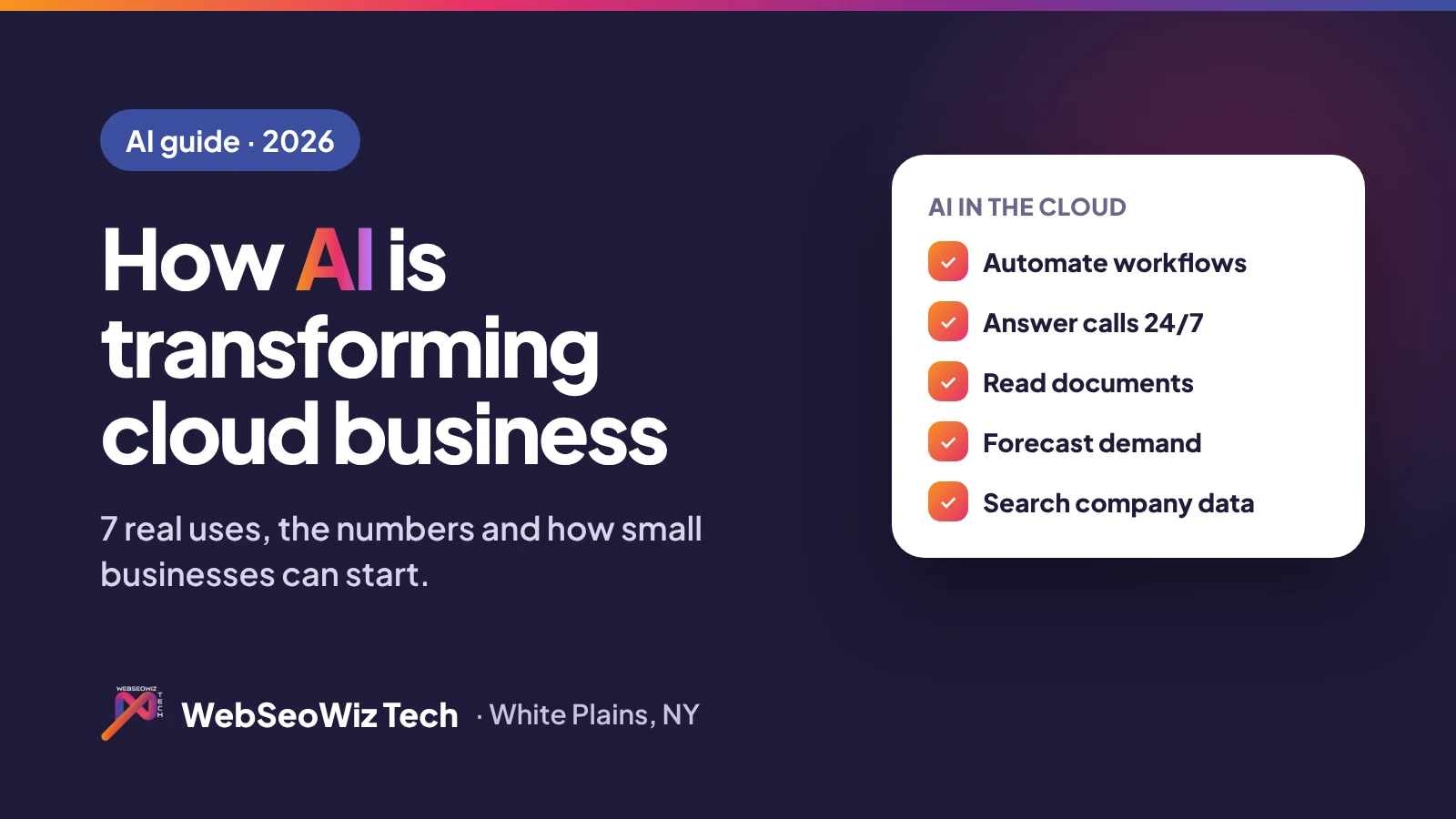
- AI is transforming cloud-based business services by automating routine work, answering customers 24/7, reading documents, forecasting demand and making company data searchable, all from software you rent or own in the cloud.
- Adoption is mainstream: in McKinsey’s 2026 survey nearly nine in ten organizations use AI regularly, and small-business AI use rose from 39% to 55% in a year in a 2025 Thryv survey.
- The cloud is what makes AI affordable for small businesses: no servers to buy, pay for what you use, and AI features delivered inside tools your team already uses.
- Start with one repetitive, high-volume task, keep a human reviewing AI output, and protect customer data from day one.
How is AI transforming cloud-based business services? The quick answer
AI is transforming cloud-based business services by turning software that stores information into software that acts on it. Instead of only keeping records, cloud tools with AI built in can sort incoming requests, draft replies, read invoices, answer phone calls, predict what will sell next week and find any document in seconds.
For small businesses the cloud is the key ingredient. AI needs serious computing power, and cloud platforms rent that power by the minute, so a 10-person company can use the same kind of AI that once required an enterprise IT budget.
AI in cloud business software: the 2026 numbers
AI has moved from experiment to everyday tool. In McKinsey’s 2026 State of AI survey, nearly nine in ten organizations reported using AI regularly in at least one business function, and 44% said AI is now scaling across their enterprise, up from 38% a year earlier.1
Small businesses are following quickly. A 2025 Thryv survey of 540 small-business decision-makers found AI use rose from 39% in 2024 to 55% in 2025, and to 68% among businesses with 10 to 100 employees. Of those using AI, 58% said it saves them more than 20 hours a month.2
The money is following the trend too. Gartner forecasts worldwide IT spending of $6.15 trillion in 2026, up 10.8%, with software spending growing 14.7% and data center systems, largely driven by AI workloads at cloud providers, growing 31.7%.3
| Figure | Number | Source |
|---|---|---|
| Organizations using AI regularly (2026) | Nearly 9 in 10 | McKinsey |
| Organizations scaling AI across the enterprise | 44% (up from 38%) | McKinsey |
| Small businesses using AI (2025) | 55% (up from 39% in 2024) | Thryv |
| Small-business AI users saving 20+ hours a month | 58% | Thryv |
| Worldwide software spending growth (2026) | 14.7% | Gartner |
Key AI adoption figures; see sources below.
7 ways AI is changing cloud-based business services
1. Automating repetitive workflows
AI-powered cloud solutions read incoming emails and forms, decide what they are about and route them to the right person or system. Follow-ups, data entry between tools and status updates happen without anyone copying and pasting.
2. Customer service and AI receptionists
AI chat and voice assistants answer common questions, book appointments and capture leads 24/7, then hand complex cases to a person. An AI receptionist means no call goes to voicemail after hours.
3. Smarter CRMs
Cloud CRMs now summarize calls and emails, score which leads are most likely to buy and suggest the next step, so salespeople spend time selling instead of updating records.
4. Reading documents
Cloud based artificial intelligence software can pull the key details out of invoices, receipts, contracts and application forms and enter them into your systems, with a person checking anything unusual.
5. Forecasting and live dashboards
AI spots patterns in your sales, bookings and inventory data and forecasts what is coming, so you can staff, stock and spend with more confidence.
6. Search across company knowledge
Instead of digging through folders, your team asks a question in plain English and gets an answer drawn from your own documents, policies and past projects.
7. Security and anomaly detection
Cloud platforms use AI to flag unusual logins, payments or activity patterns early, helping small teams that do not have a full-time security person.
Examples by industry
- Law firms: intake forms summarized automatically, document search across matters, AI answering after-hours calls.
- Dental and medical practices: AI booking and reminders, insurance questions answered by phone, patient forms read into the practice system.
- Real estate: lead scoring, instant replies to listing enquiries, automated showing schedules.
- Field services and contractors: job requests captured 24/7, smart scheduling and route planning, quotes drafted from site photos and notes.
- Retail and hospitality: demand forecasting, personalized offers in apps, reviews and messages answered faster.
AI add-ons vs AI built into your own cloud software
There are two main ways to get AI-powered software solutions. Many SaaS tools now include AI features, often as a paid add-on per user. That is the fastest option when the tool already fits your process.
The alternative is custom cloud software with AI built in exactly where it saves your team time. It costs more up front, but there are no per-seat AI fees, the AI works with your own data and workflow, and you own the result. Many businesses combine both: off-the-shelf tools for standard tasks and a custom layer that connects them and adds AI where it matters most.
Risks to watch, and how to manage them
- Accuracy: AI can be confidently wrong. Keep a person reviewing anything that goes to a customer, involves money or carries legal weight.
- Data privacy: know where your data is stored and whether it is used to train outside models. Use business plans and access controls.
- Cost creep: usage-based AI pricing can grow quietly. Set budgets and alerts.
- Lock-in: choose tools that let you export your data, or own the software outright.
How a small business can get started with AI in the cloud
- List your most repetitive tasks and how many hours they take each week.
- Pick one high-volume task with a clear success measure, such as missed calls, response time or hours of data entry.
- Check the tools you already pay for. Many CRMs, help desks and accounting tools already include AI features you are not using.
- Pilot for 30 days with a person reviewing the AI’s work.
- Scale what works, and consider custom software when you need AI working across several tools at once.
How WebSeoWiz Tech builds AI into cloud software
WebSeoWiz Tech builds custom cloud software with AI features such as call and email summaries, smart routing, document reading and smart search, from our office at 437-445 Hamilton Ave, White Plains, NY 10601.
- AI automation projects start from $4,499, and full business platforms from $10,999, with monthly payments and no interest.
- AI voice assistants start from $990 to set up plus $299 per month.
- You own the code and data, with no per-seat fees.
See how we built CallCom, a cloud call management platform with AI transcription, or estimate your project cost in 30 seconds.
Frequently asked questions
How is AI transforming cloud-based business services?
AI is turning cloud software from a place that stores information into software that acts on it: automating routine workflows, answering customers 24/7, reading documents, forecasting demand and making company knowledge searchable.
What are AI-powered cloud solutions?
They are business applications hosted in the cloud with artificial intelligence built in, such as CRMs that summarize calls, help desks that route tickets, and assistants that answer phone calls and book appointments.
Is AI affordable for small businesses?
Yes. Because cloud providers rent computing power on demand, small businesses can use AI through tools they already pay for or through focused custom projects. At WebSeoWiz Tech, AI automation projects start from $4,499.
Is my business data safe when using AI in the cloud?
It can be, if you choose business-grade plans, check where data is stored and whether it is used for model training, limit who can access it, and keep sensitive decisions under human review.
Should I buy AI tools or build custom AI software?
Buy when an existing tool already fits your process. Build when you need AI working across several systems, want to avoid per-seat AI fees, or your workflow is a competitive advantage.
Sources
- McKinsey, The state of AI (2026 survey)
- Thryv, small business AI adoption survey (July 2025)
- Gartner, worldwide IT spending forecast for 2026